
Appearance
All awards
Awards are usually managed inside their program. When you have many programs, All Awards is quicker: one searchable list of every award in every program, with its program, value and description.
Use it to:
- find which program an award belongs to
- check values, for example which awards are worth more than 100 points?
- fix a typo or archive old awards without switching programs
At a glance
This is a tool for Global Managers only. It changes nothing for employees by itself: it's a faster way to reach the same award forms described in Awards and giving.
| Step | Who | Where |
|---|---|---|
| Find an award | Global Manager | Admin panel → Global Management → All Awards |
| Edit or archive it | Global Manager | The award's row |
Go to Global Management → All Awards.
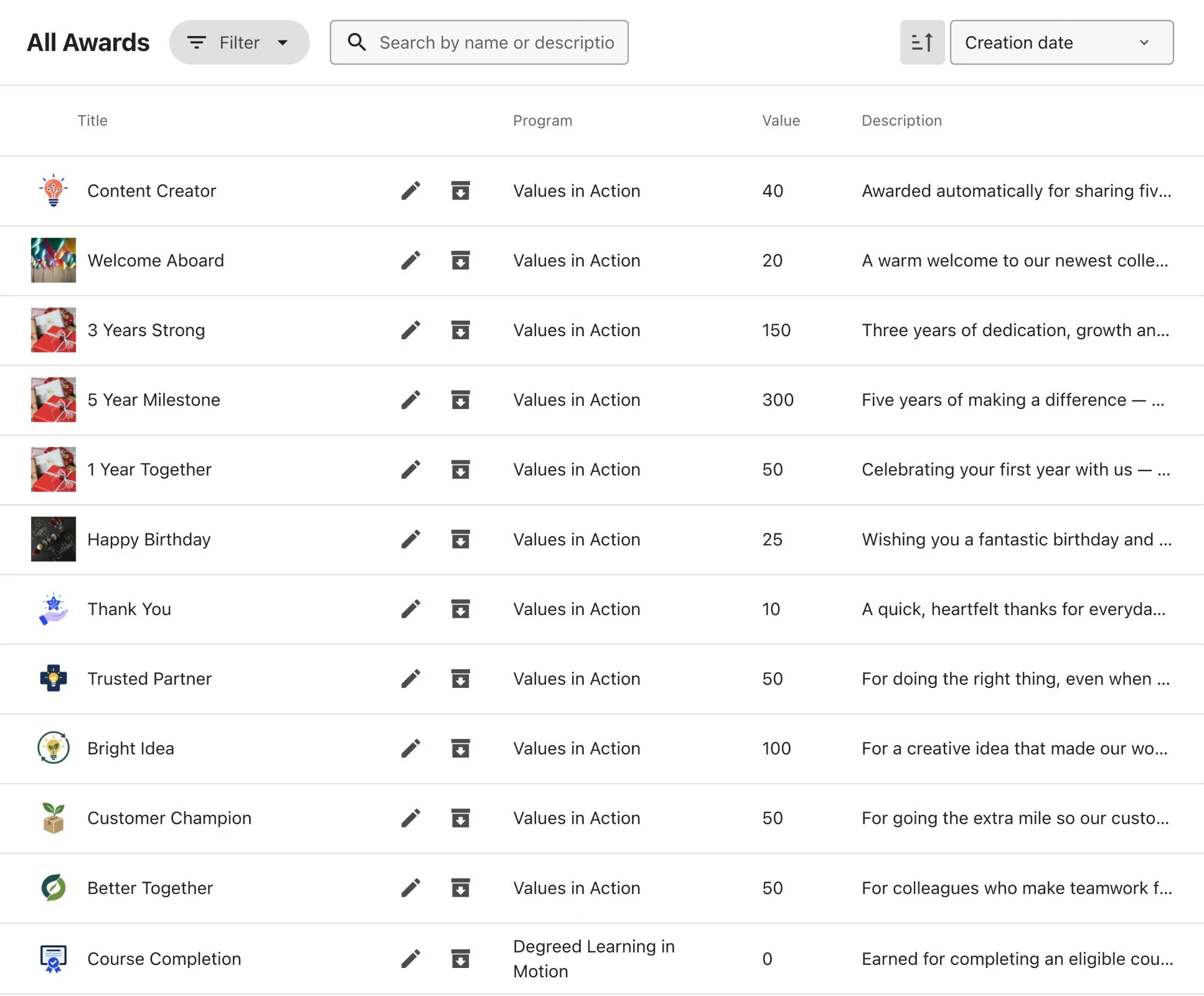
Find an award
- Search: finds text in an award's name or description.
- Filter: choose an Award type (Peer-to-Peer, Automated, Birthday or Workiversary) and a Program.
- Sort by: Name, Creation date or Program, ascending or descending.
Search, filters and sorting cover every award, not just those on screen.
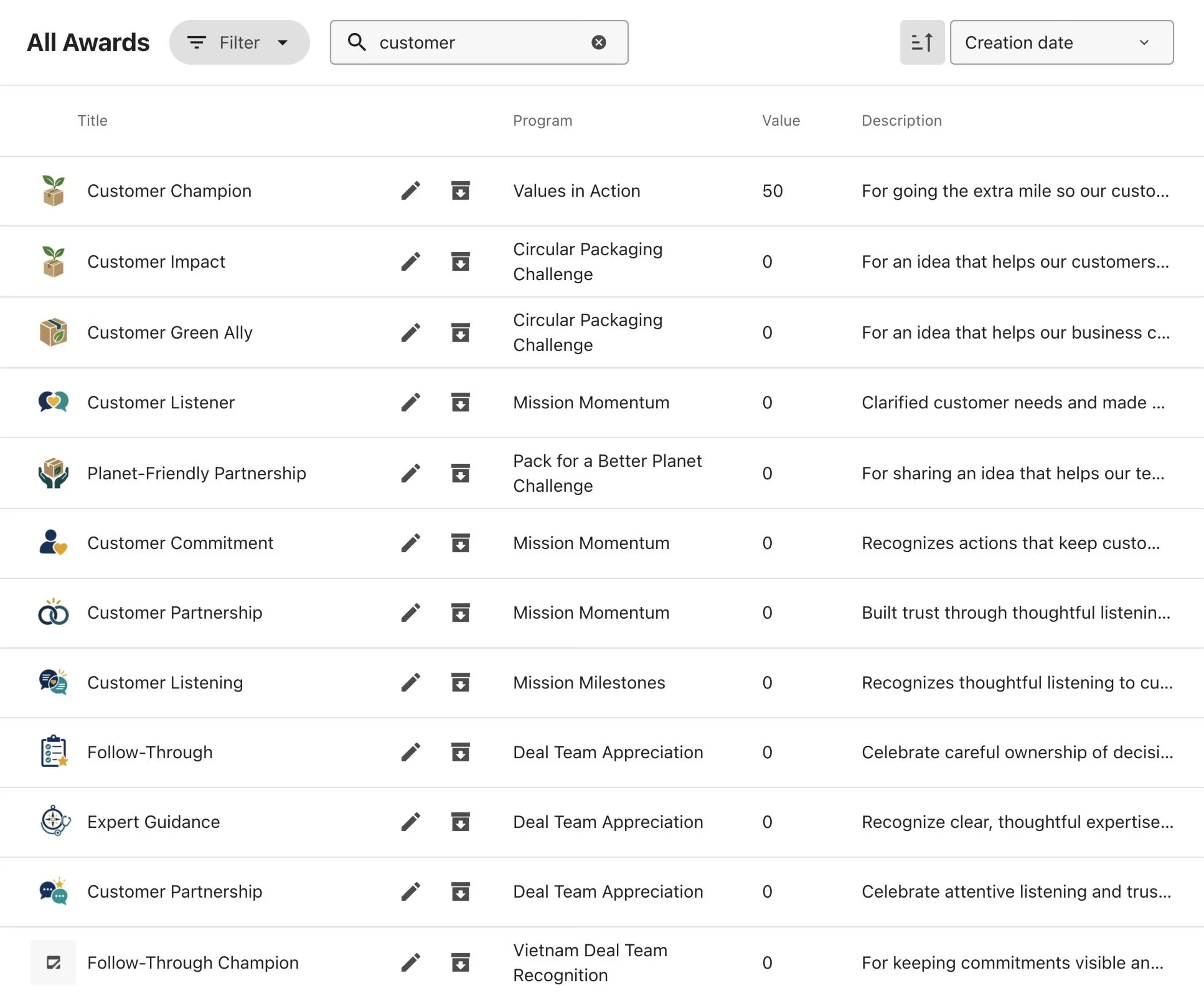
Edit or archive an award
- Select the pencil to edit the award. The form is the same as in the program, and changes appear there immediately.
- Select the archive icon and confirm to archive the award. It can no longer be given, but awards already given stay on profiles, in streams and in analytics.
Changing points
A new point value applies only to awards given from now on.