
Appearance
Executive recognition
A thank-you from the CEO or a department head carries a different weight from one from a peer. With Top-Down Recognition, you name the people whose awards count as Executive Awards.
Executives don't need different awards or a different form. They give the same peer-to-peer awards in the same way as everyone else. Their awards are then highlighted wherever they appear.
At a glance
- Name your executives, for all programs or for one
- Executives give awards as usual
Executives must also be Givers in the program whose awards they give. See Participants.
Two levels
| Level | Where | Who to add |
|---|---|---|
| Global | Global Management → Global Top-Down Recognition | Executives for all programs, such as the CEO and executive committee |
| Program | Program Management → Top-Down Recognition | Executives for one program, such as the sales director in a Sales program |
The lists add up: an award is an executive award if its giver is on the global list or on the program's list.
Add executives
- Open Global Top-Down Recognition, or choose a program and open Top-Down Recognition.
- On the People tab, search for a person in Add people and press Enter.
- To add a whole LumApps group, such as an "Executive Committee" group, use the Groups tab.
Changes are saved immediately.
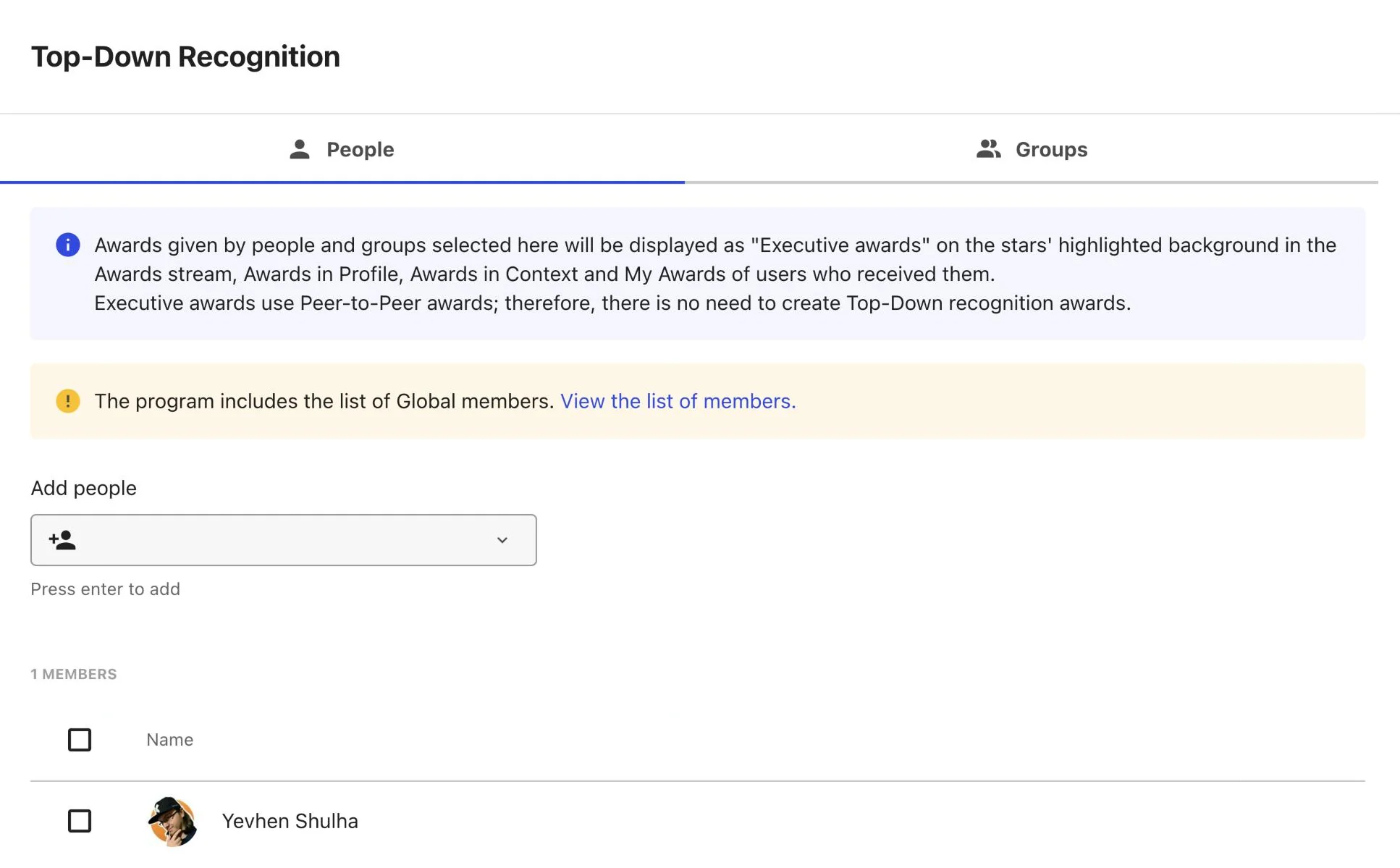
Global executives are already included
On a program's Top-Down page, a yellow banner appears when global executives exist. Select View the list of members to see them, so you don't add the same people twice.
Remove executives
Tick the people or groups, select the bin icon, and confirm with Delete. Removing someone only affects future awards: awards they already gave keep their highlight.
What employees see
An award given by an executive is an Executive Award. It's highlighted with a starry background:
| Where | How it's shown |
|---|---|
| My Recognition and the My Awards widget | In a separate Executive Awards strip, above the other awards |
| Profiles | Listed first, in an Executive Awards area. Needs Display "Awards in profile" in Global settings. |
| Under articles | In their own group. See Recognize content authors. |
| Awards Stream | With the highlight on the award |
| Analytics export | In the Executive Award Status column |
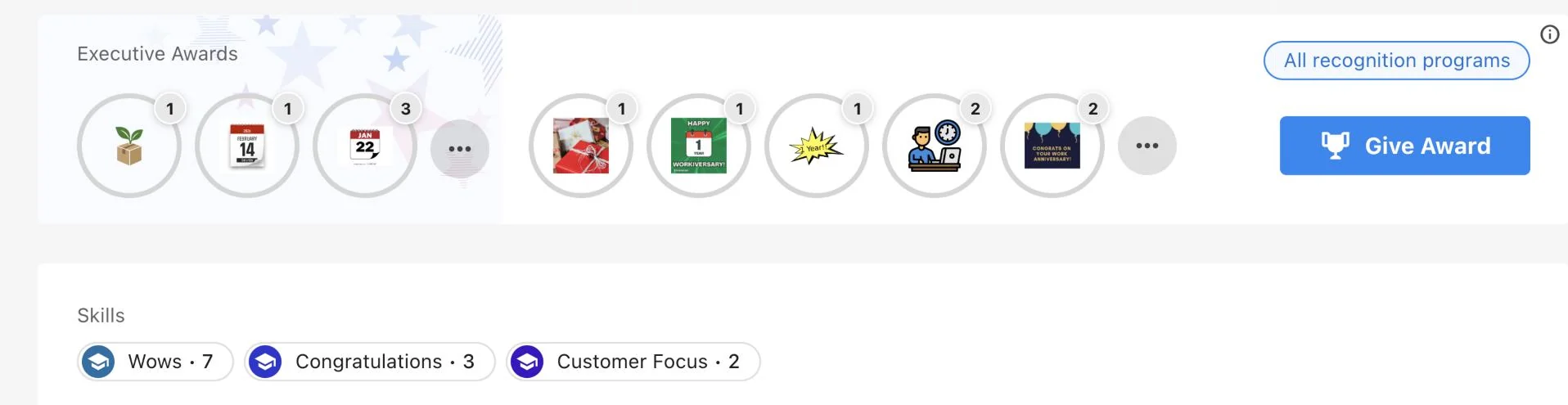
Whether an award counts as an executive award is decided when it's given. Adding someone to the list doesn't change awards they gave before.